Everything a brokerage runs on, in one system
Loads, carriers, documents, accounting and an AI assistant. One plan, every feature, no add-ons.
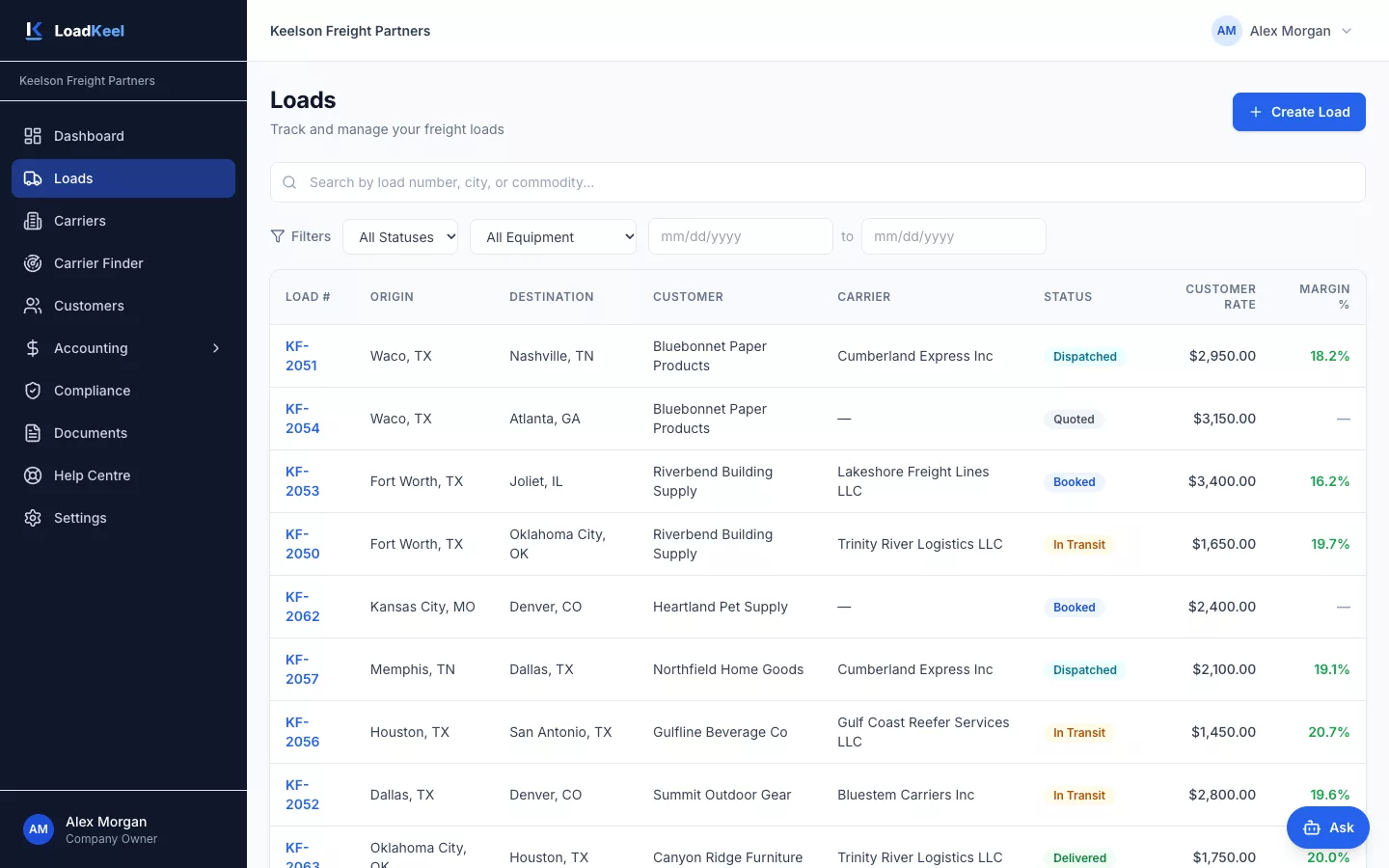
Every load, one clear status
Build multi-stop loads with appointments and accessorials, assign a carrier and track the load from quote to paid.
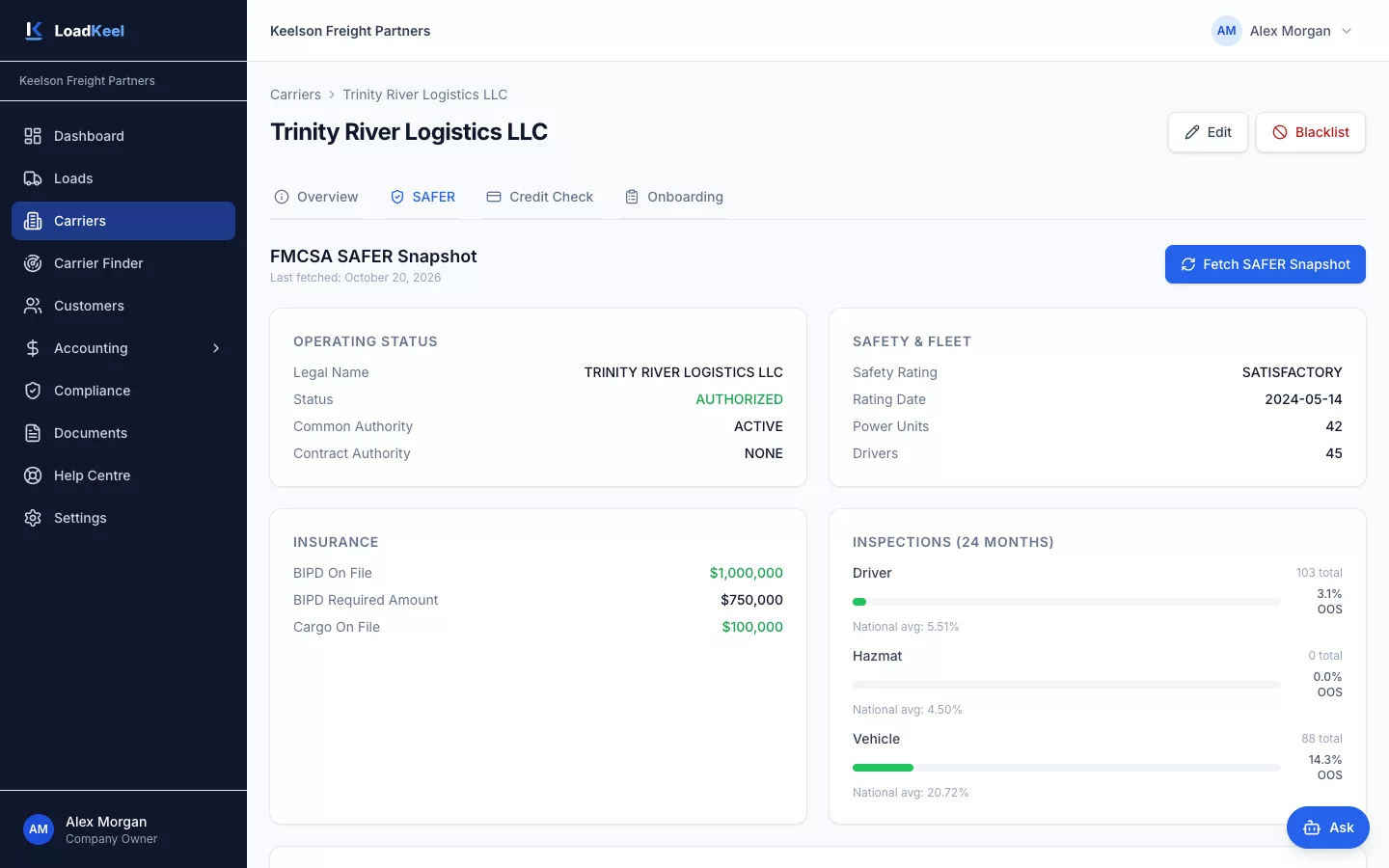
Vet carriers before you book them
Onboard carriers with the documents you require, pull their FMCSA SAFER snapshot and get alerts when insurance or authority lapses.
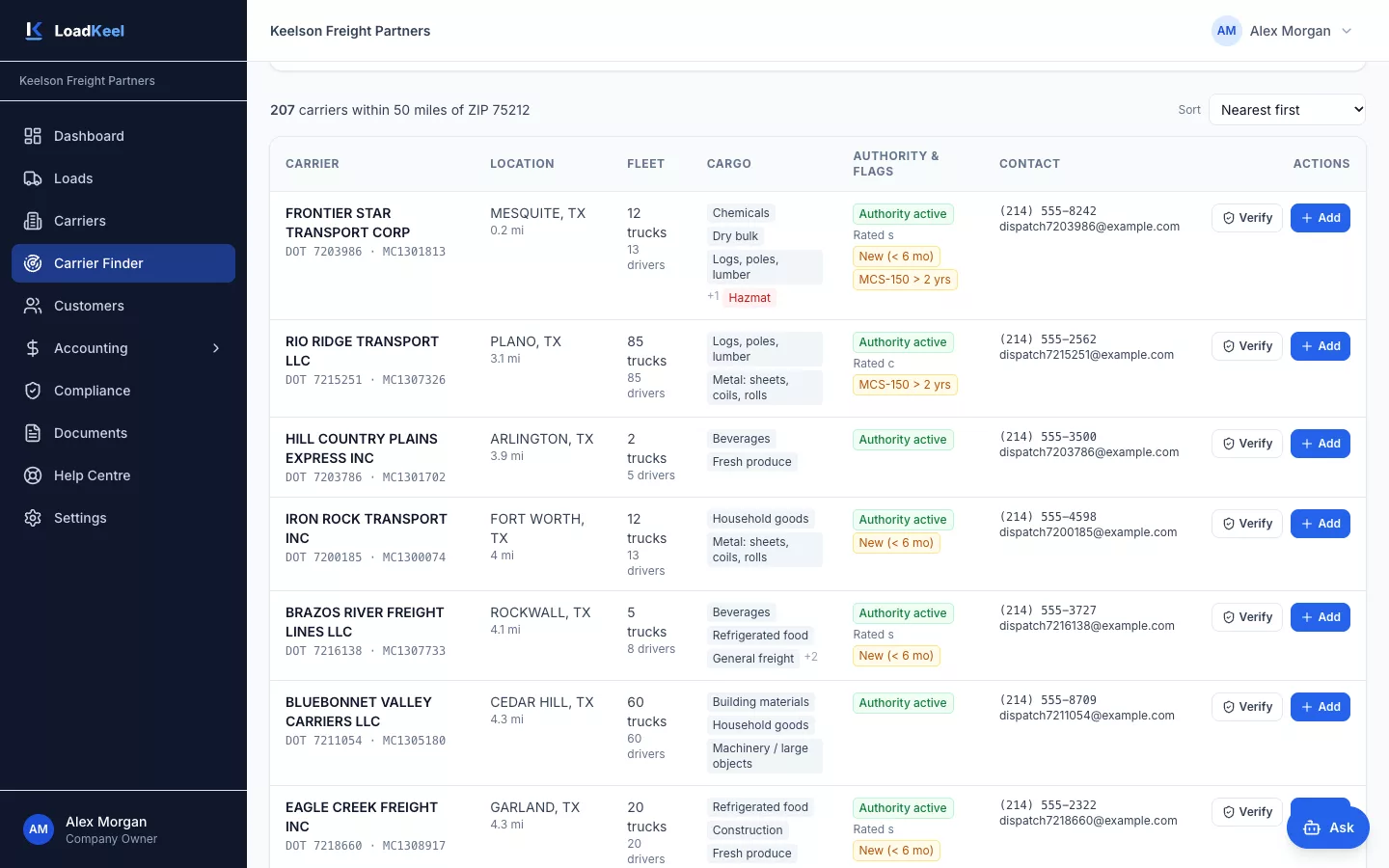
Find capacity near any lane
Search the FMCSA census of 1.3 million+ active for-hire carriers by ZIP radius, state, fleet size and cargo type, with risk flags on every result.
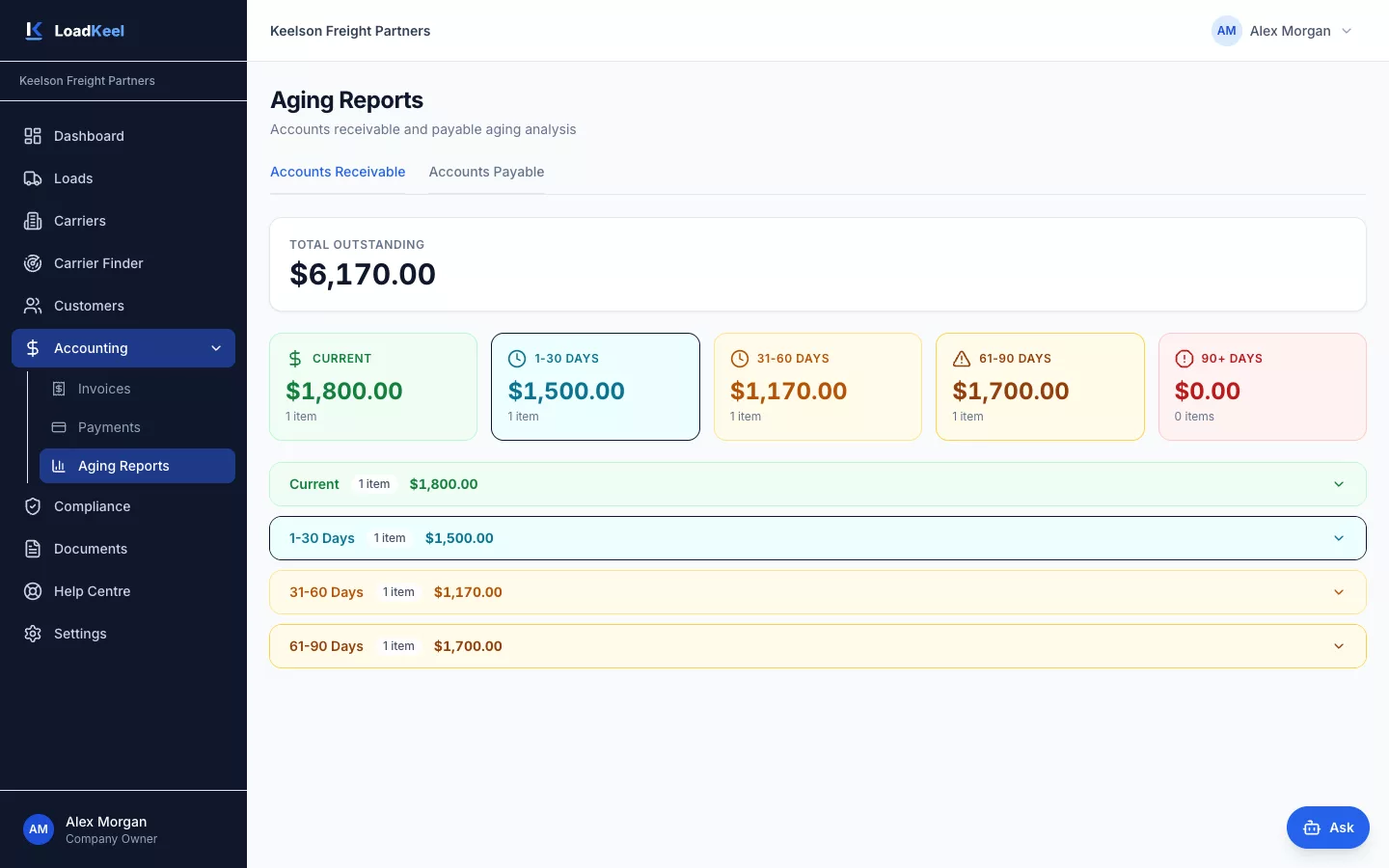
From delivered load to paid invoice
Invoice customers from delivered loads, see who owes you with AR aging and track every carrier payment.
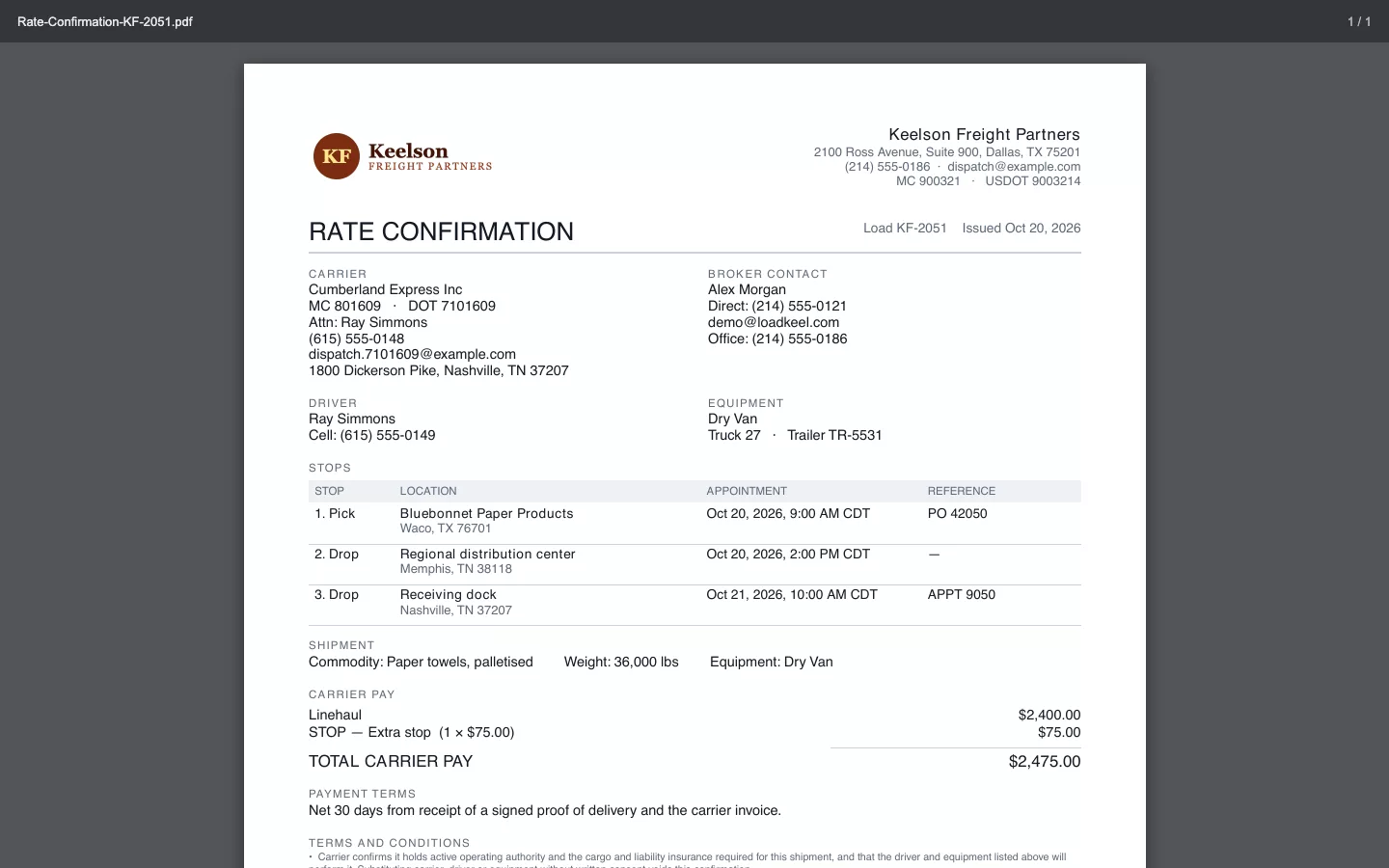
Paperwork without the retyping
Rate confirmations and BOLs in one click with your logo, and every POD, W-9 and certificate stored against the load or carrier.
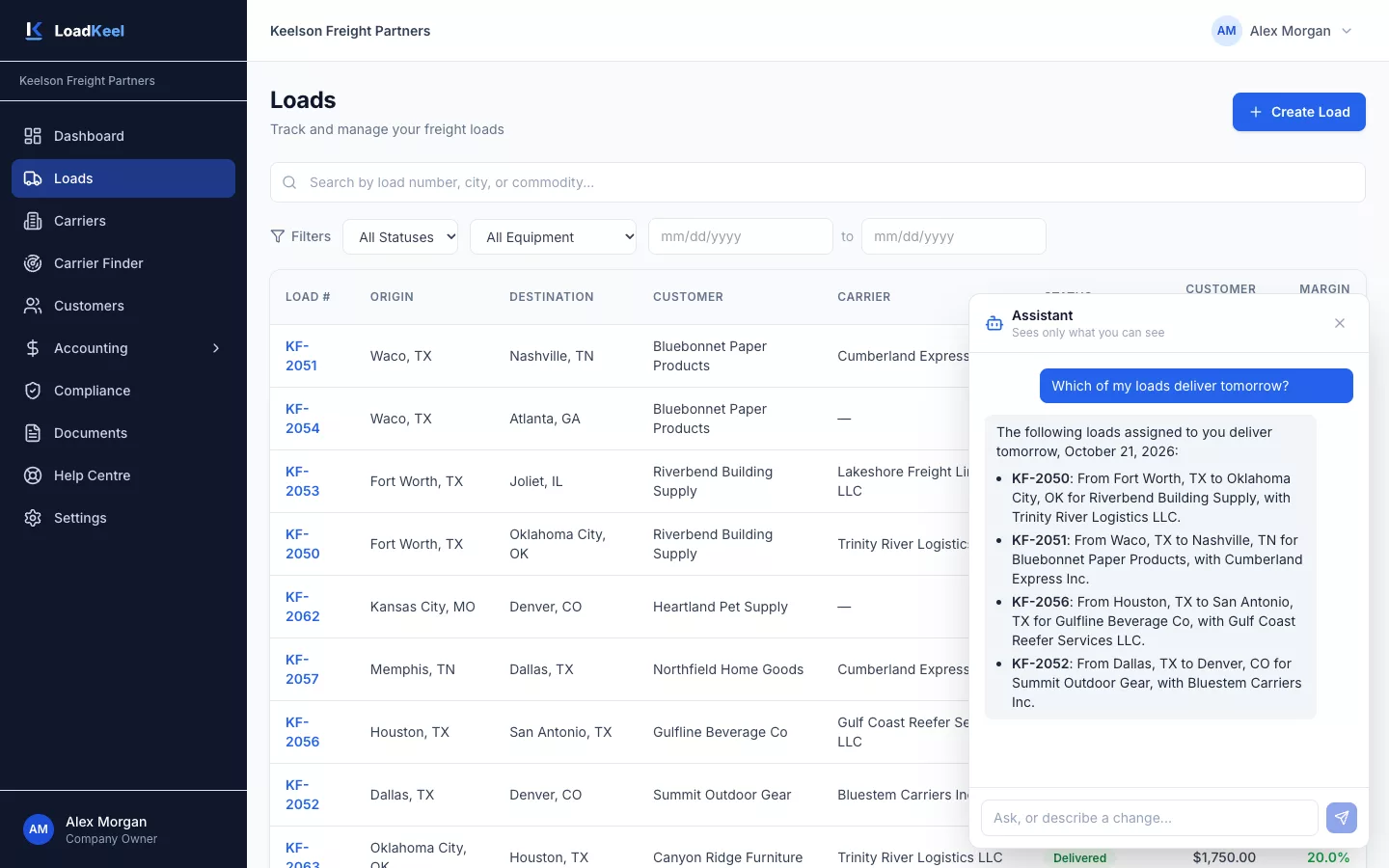
Answers in plain English
Ask about your loads and carriers, have it draft a load, or ask how to do something. It sees only what you are allowed to see.
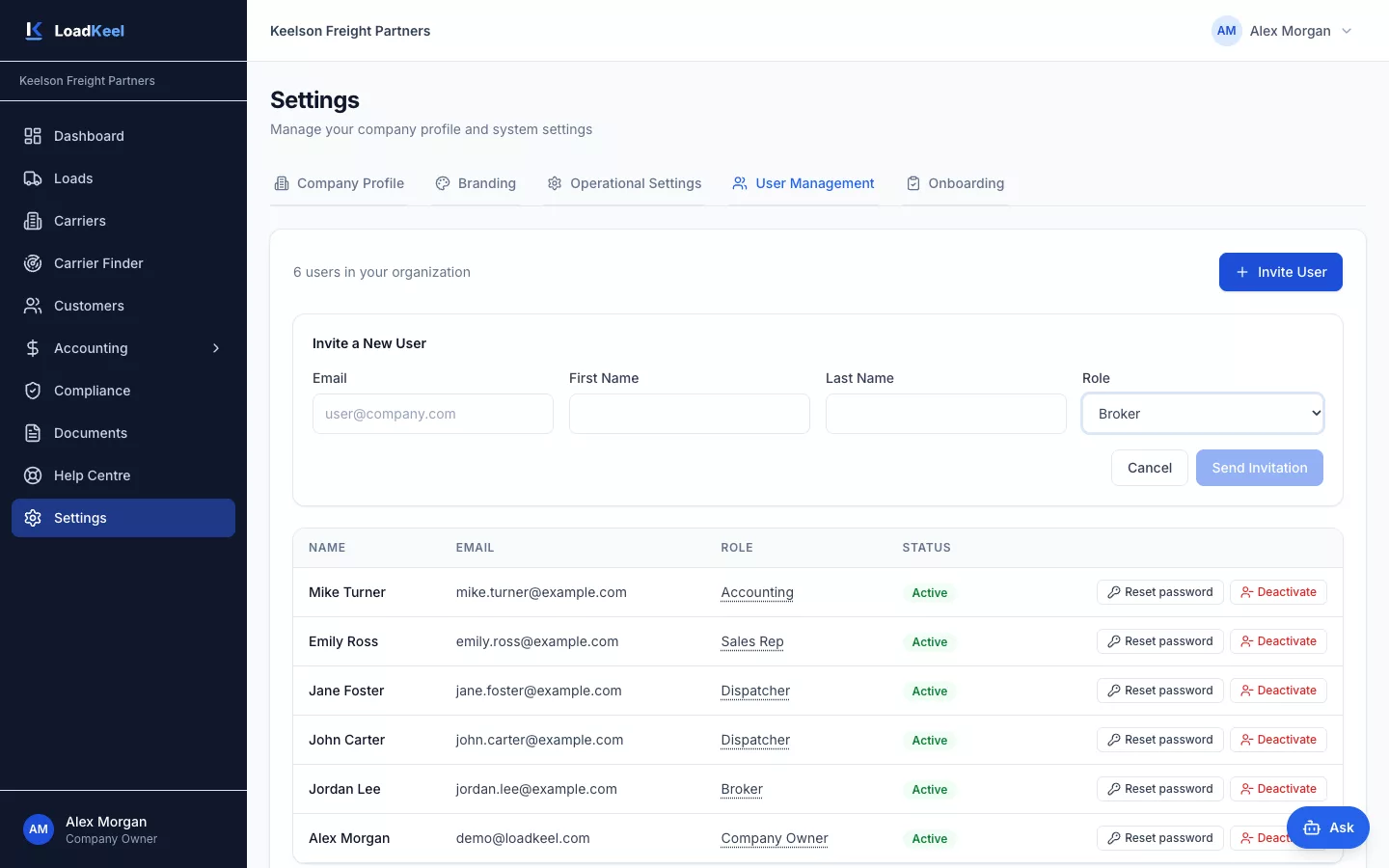
Roles for the whole brokerage
Seven roles from owner to view-only accounting. Each broker keeps a private book; the company shares one carrier base.
The details that save you time
Dashboard
Open loads, revenue, margin, unpaid invoices and compliance alerts the moment you log in, limited to what each user may see.
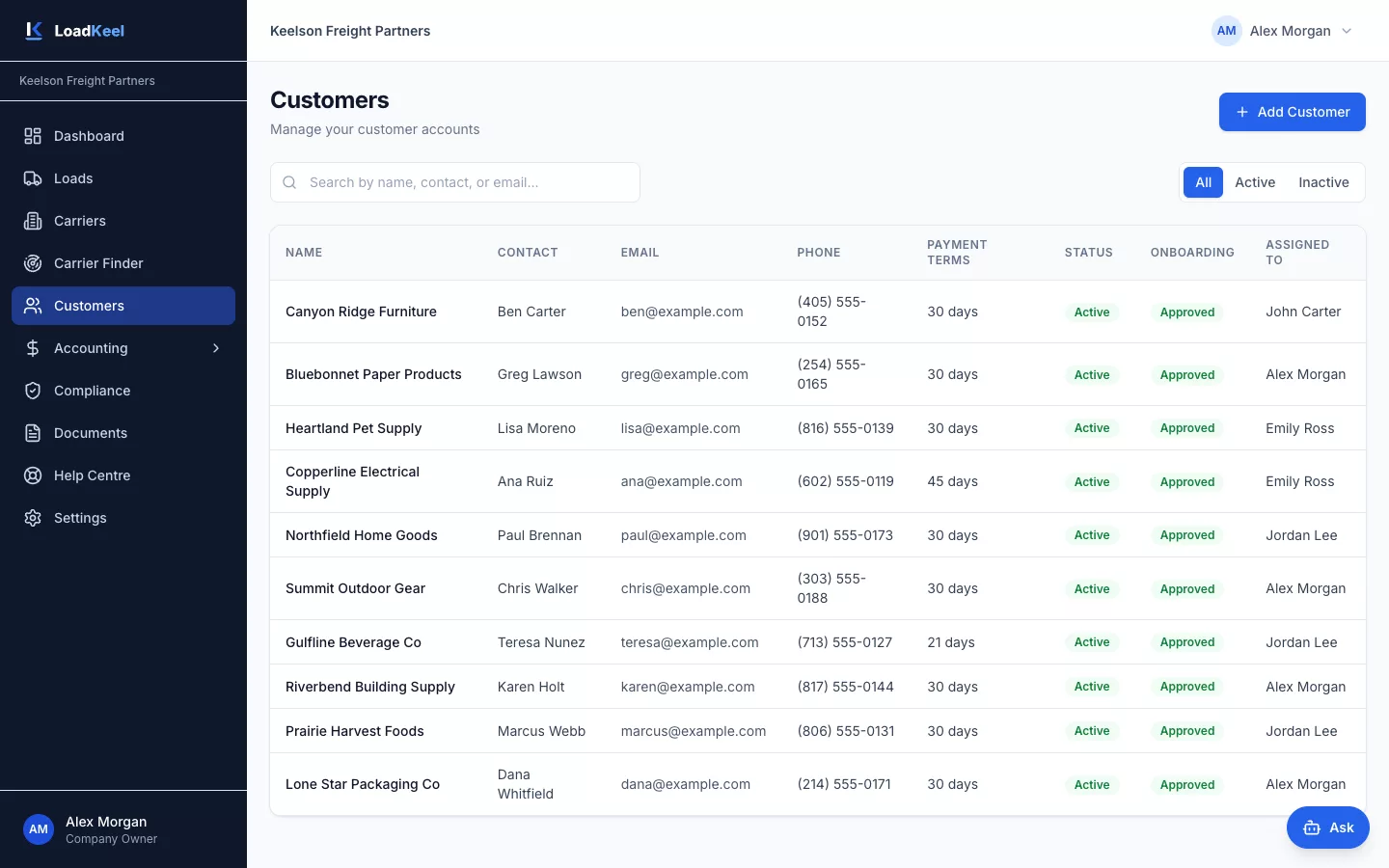
Customers
Contacts, billing details, payment terms, contracts and rates. Customer details flow straight into new loads and invoices.
Role guides
Each role has its own step-by-step picture guide inside LoadKeel, so new team members get going quickly.
See LoadKeel with your own lanes
We’ll walk a real load from quote to paid invoice in 30 minutes. Then try it free for 14 days.